Raptor Instructions
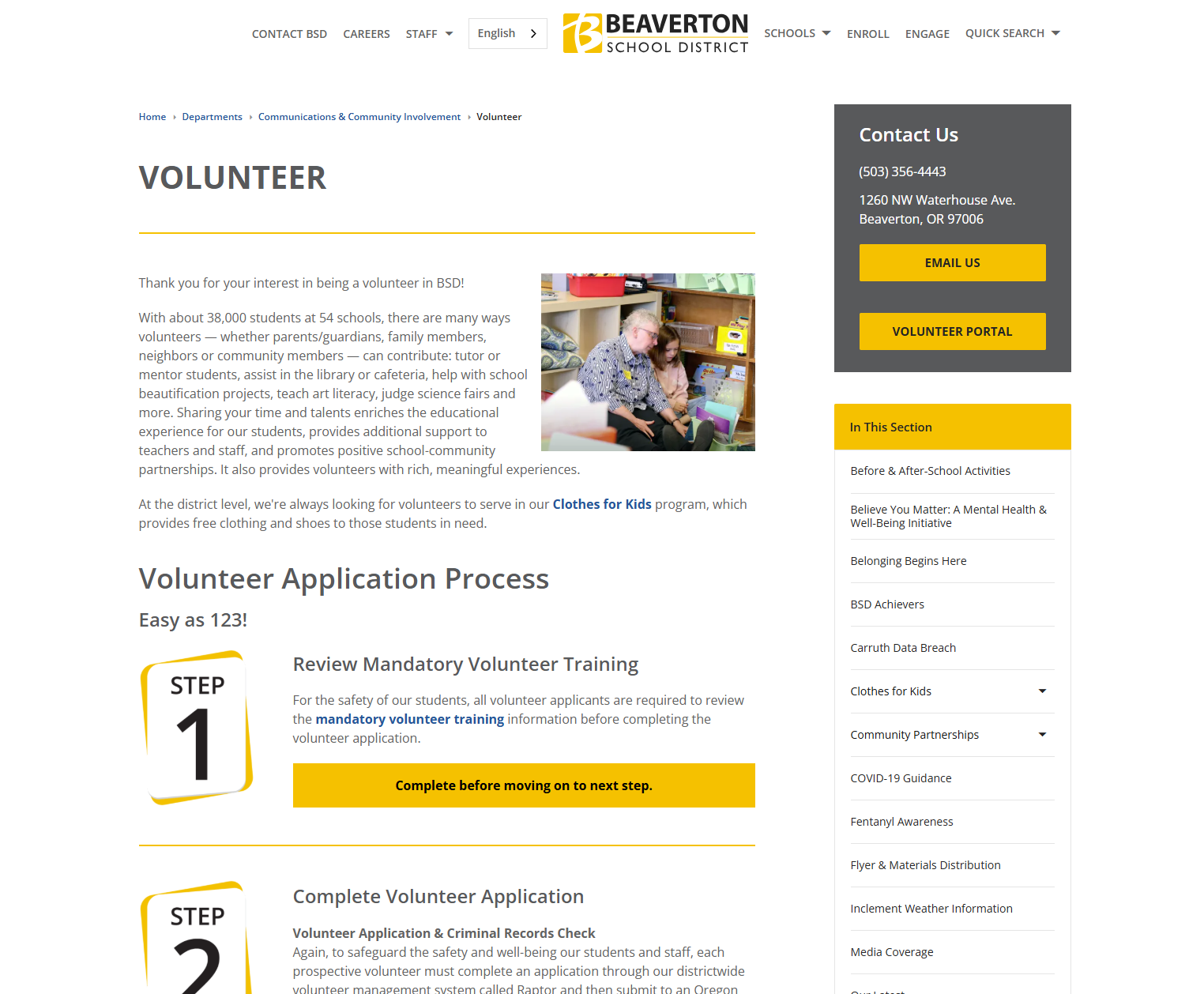
Step 1
Ensure you are Raptor “Volunteer Approved” in order to volunteer at school! If you are not, start here. You must complete Step 1 (review mandatory volunteer training) before moving on to the next step.
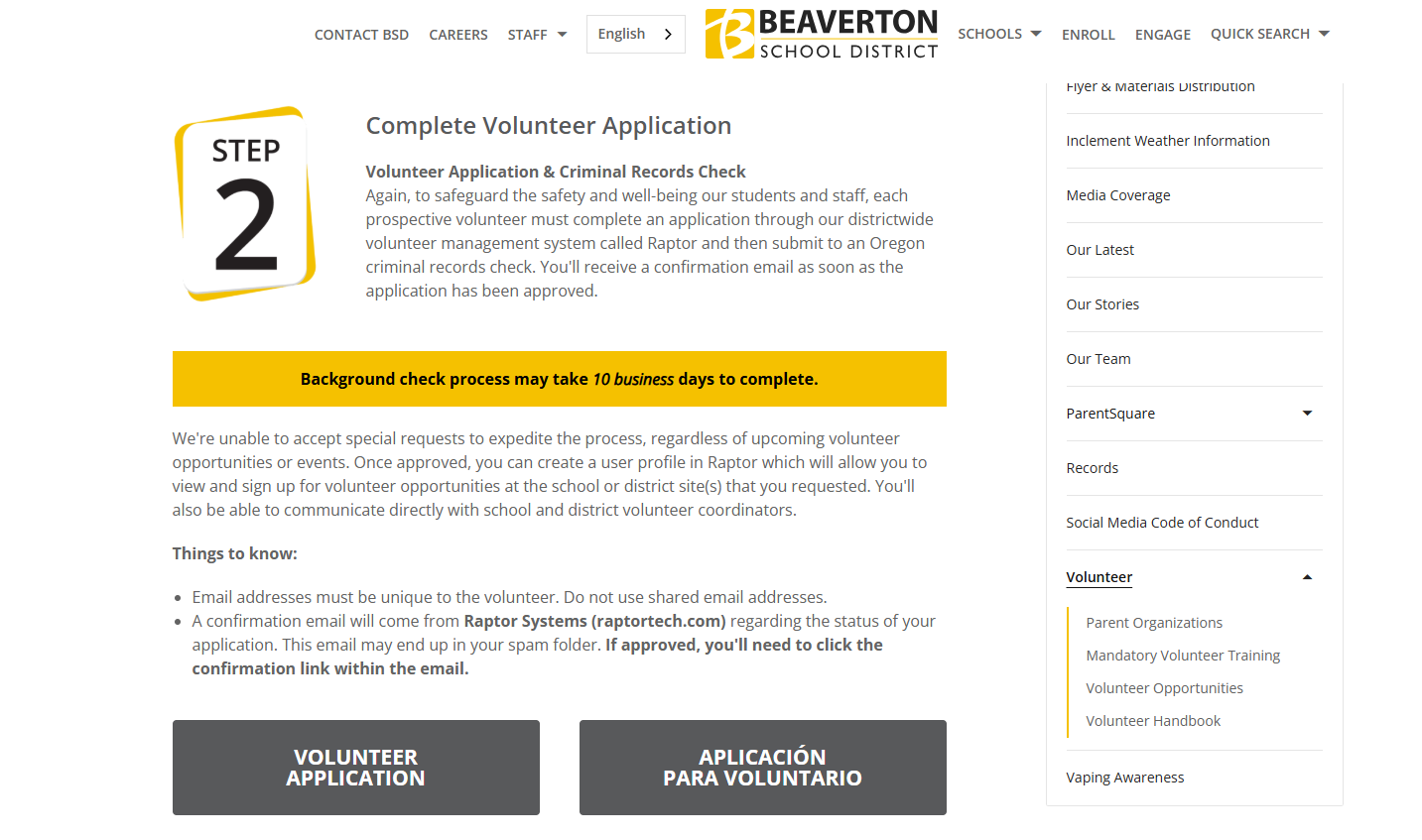
Step 2
Complete Volunteer Application here. FYI, the background check process may take 10 business days to complete so please allow adequate time for approval.
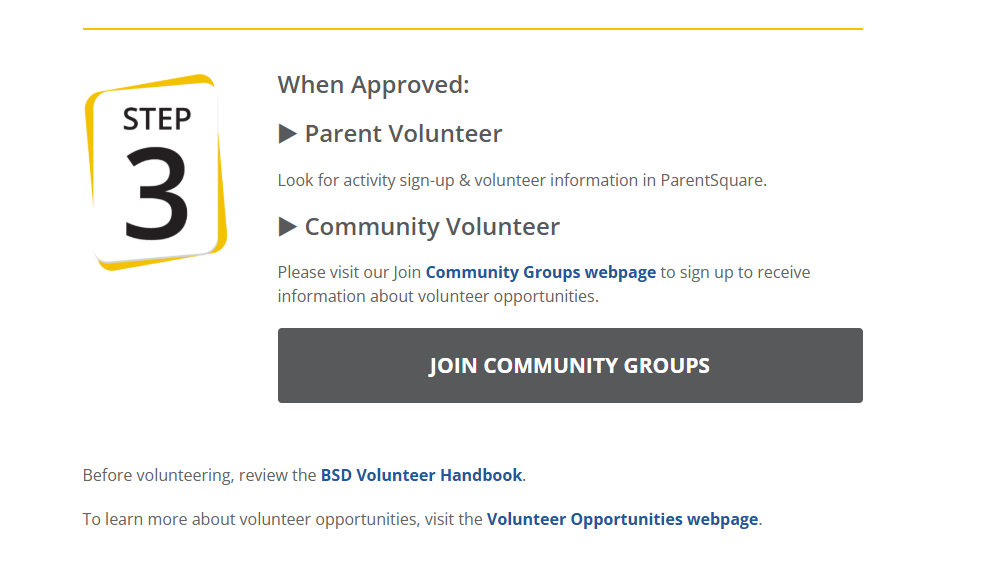
Step 3
Once approved, parents can look for activity sign-ups from ParentSquare or check out volunteer opportunities here. Non-parent volunteers such as grandparents, relatives, or neighbors (Community Volunteers) who are not automatically connected to ParentSquare need to return to the page after completing the Raptor application and join the school’s ParentSquare group.
Step 4
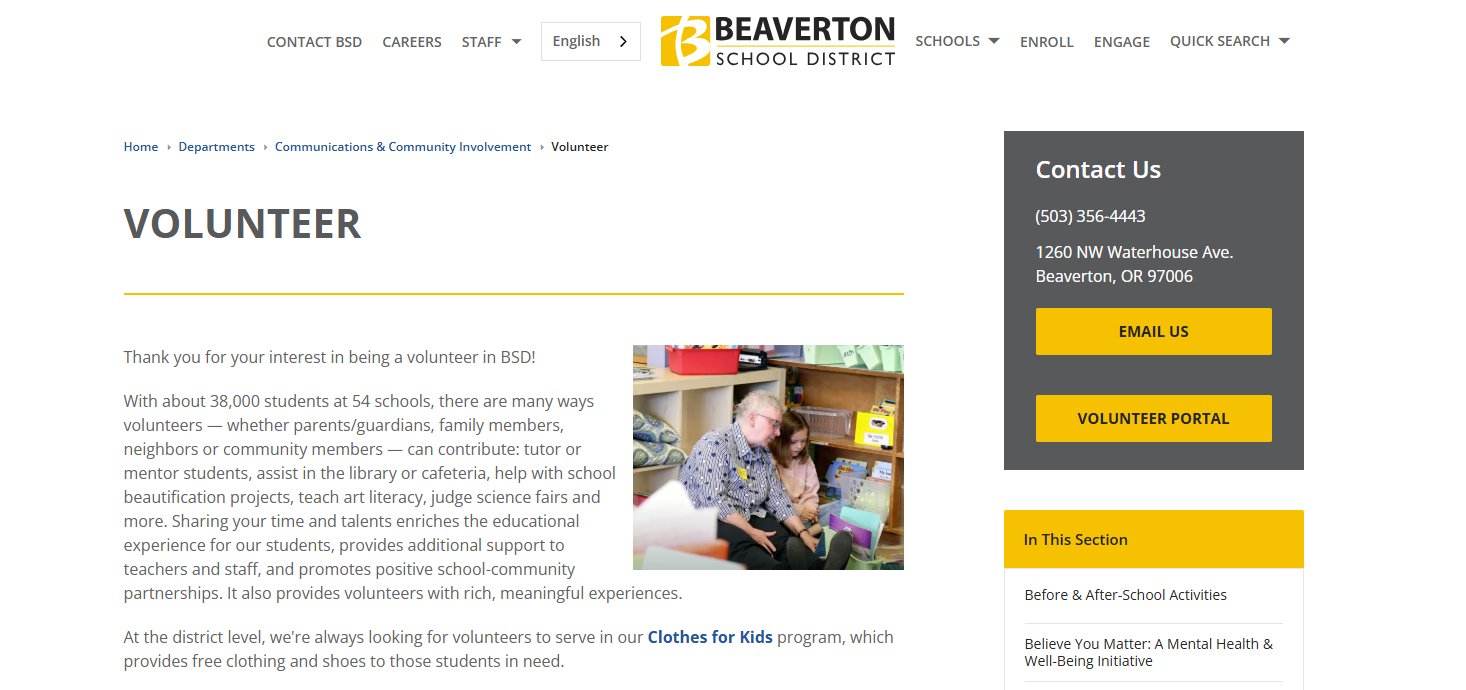
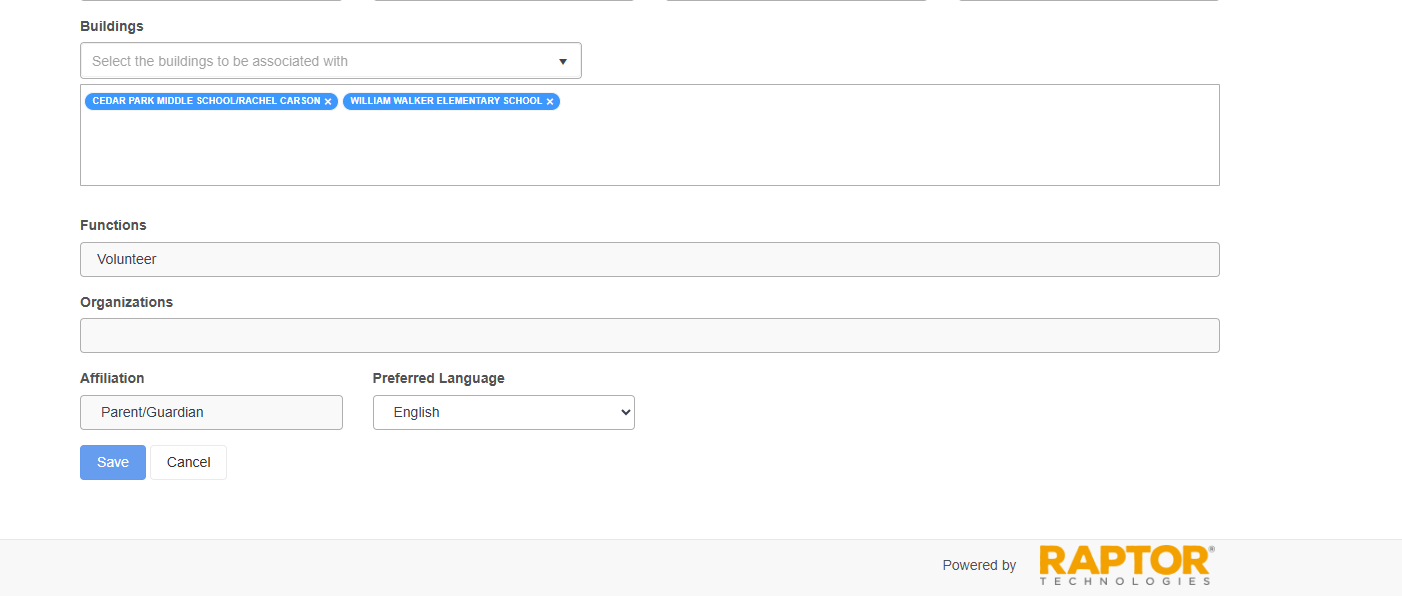
A heads up, especially, for incoming 6th grade families, please ensure that your student’s correct school “building” is listed by clicking on ”Volunteer Portal” which takes you to your Raptor Profile Page under ”Account”. Confirm that “Cedar Park Middle School/Rachel Carson” is added under Buildings. If CPMS building is not selected, you will not show up as an approved volunteer for our school.
Step 5
Just a friendly reminder, when you are registering for a volunteer event via ParentSquare or Sign-Up Genius, please use your Raptor “approved” name and not a nickname. If you use a nickname, we will not be able to match you to your approved Raptor name. Thanks in advance for volunteering and allowing volunteer coordinators to match your name more easily!
Step 6
If you have trouble applying for Raptor or logging into the Raptor Portal please contact Johanna Shrout @ Johanna_Shrout@beaverton.k12.or.us